Trading Post
Redeem a code
Do you have a one-time code from the Trading Post? Type it here. A code works only one time. If it was bought while signed in, it works only for that account. If it was bought without signing in, it goes to the first account that uses it, so please keep it private.
Don't have a code yet? See how to get one.
Already unlocked? Go to the Side Quests.
Checking your account…
Trading Post
How to get a code
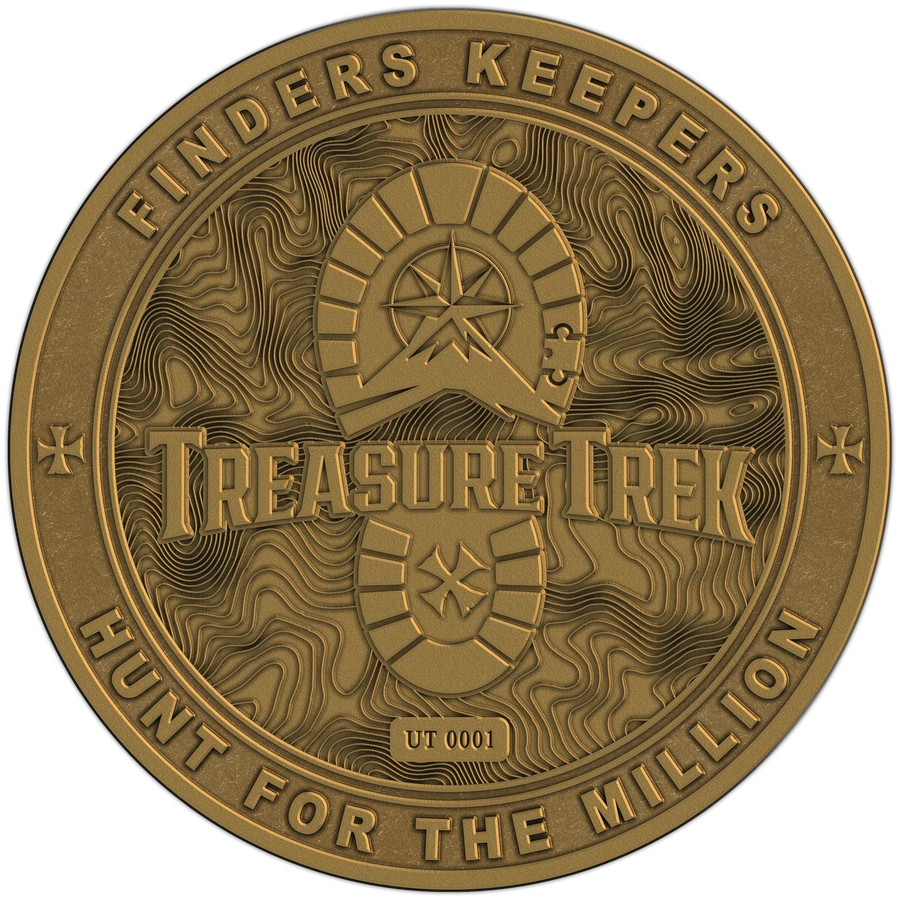
- Visit the Trading Post. Look for items marked “Includes Side Quests access”, such as the Challenge Coin.
- Check out. Sign in to your explorer account first, and the code is locked to you. If you are not signed in, the first explorer to use the code keeps it, so keep it private.
- Find your code. It is shown on the confirmation page after you pay, and it is sent to your email.
- Enter it above. A code works one time, and it unlocks the Side Quests. Your access lasts until the end of the month after you buy it, then you need a new code to join the next Side Quest run. You can hold one code at a time. If someone else uses the code you bought, you can buy another.
Administrator only
Test tools
Make a test code for your own account to try the whole thing. These are never sold and never counted.